Private Github Repository
Private Github Repository
##Challenge Name: Private GitHub Repository
###Solves
- >Solves: 143
- >Points: 100
###Description
Bob Robizillo created public instructions for Tiffany so she can start working on a new secret project. Can you access the secret repository?
###Approach
- >
GitHub Profile Exploration:
- >Started by finding Bob Robizillo's GitHub profile. There were no repositories listed under his account, but we decided to check his gists.
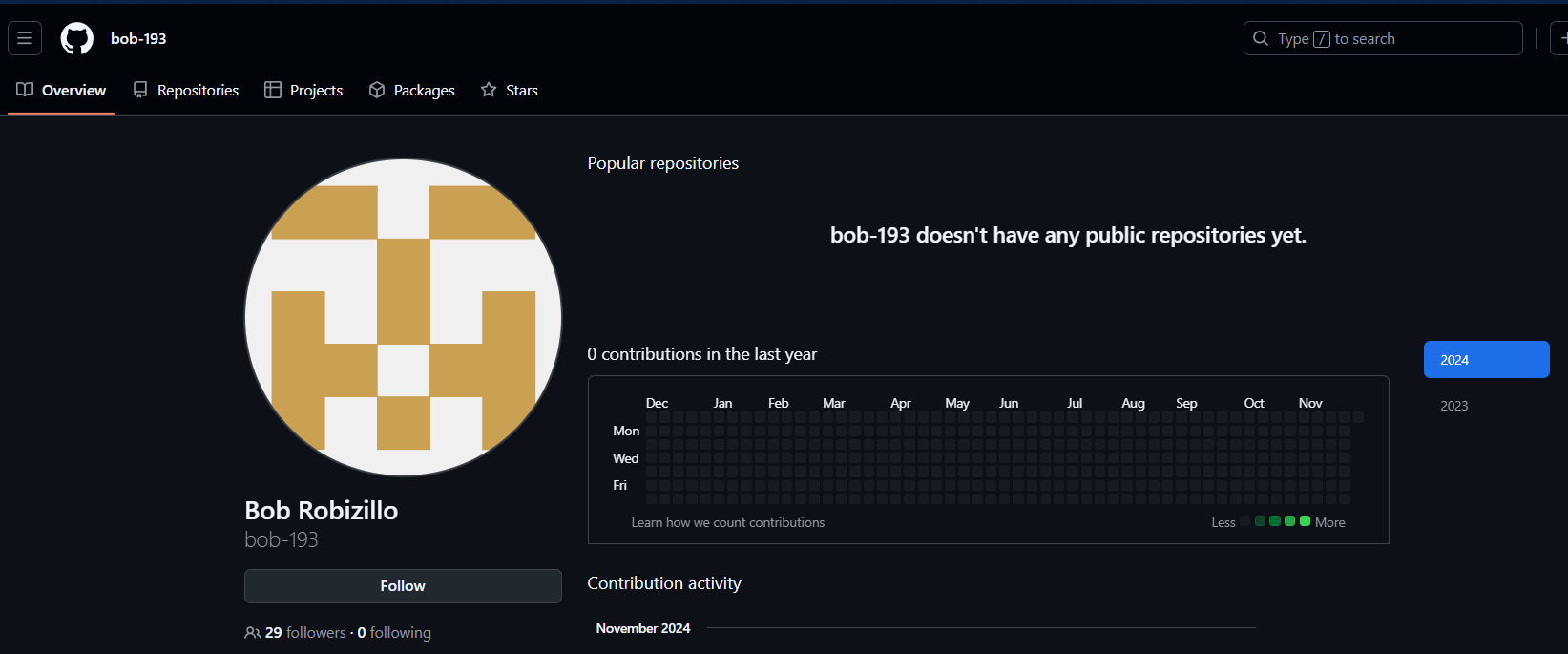
image1 - >In the gists, we found an entry labeled
.bob-193/email.md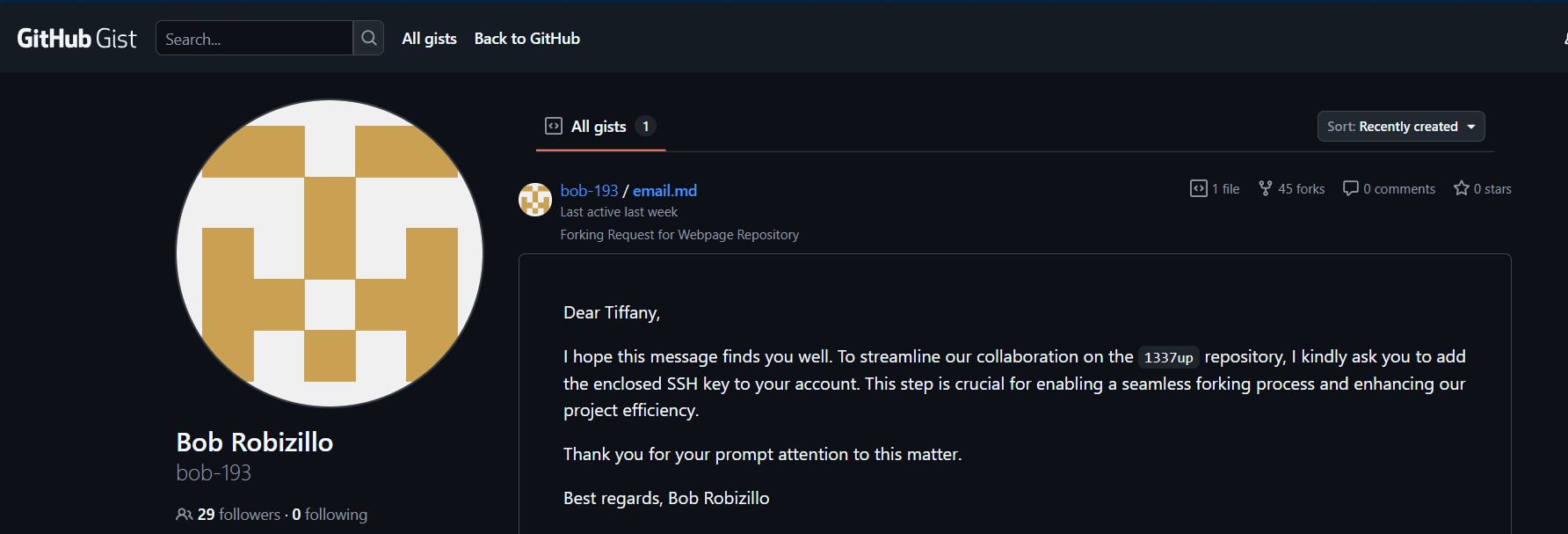
image2
- >Started by finding Bob Robizillo's GitHub profile. There were no repositories listed under his account, but we decided to check his gists.
- >
Exploring the Gist:
- >The
gist contained a file namedbob-193
with a message to Tiffany:email.mdDear Tiffany, I hope this message finds you well. To streamline our collaboration on the 1337up repository, I kindly ask you to add the enclosed SSH key to your account. This step is crucial for enabling a seamless forking process and enhancing our project efficiency. Thank you for your prompt attention to this matter. Best regards, Bob Robizillo
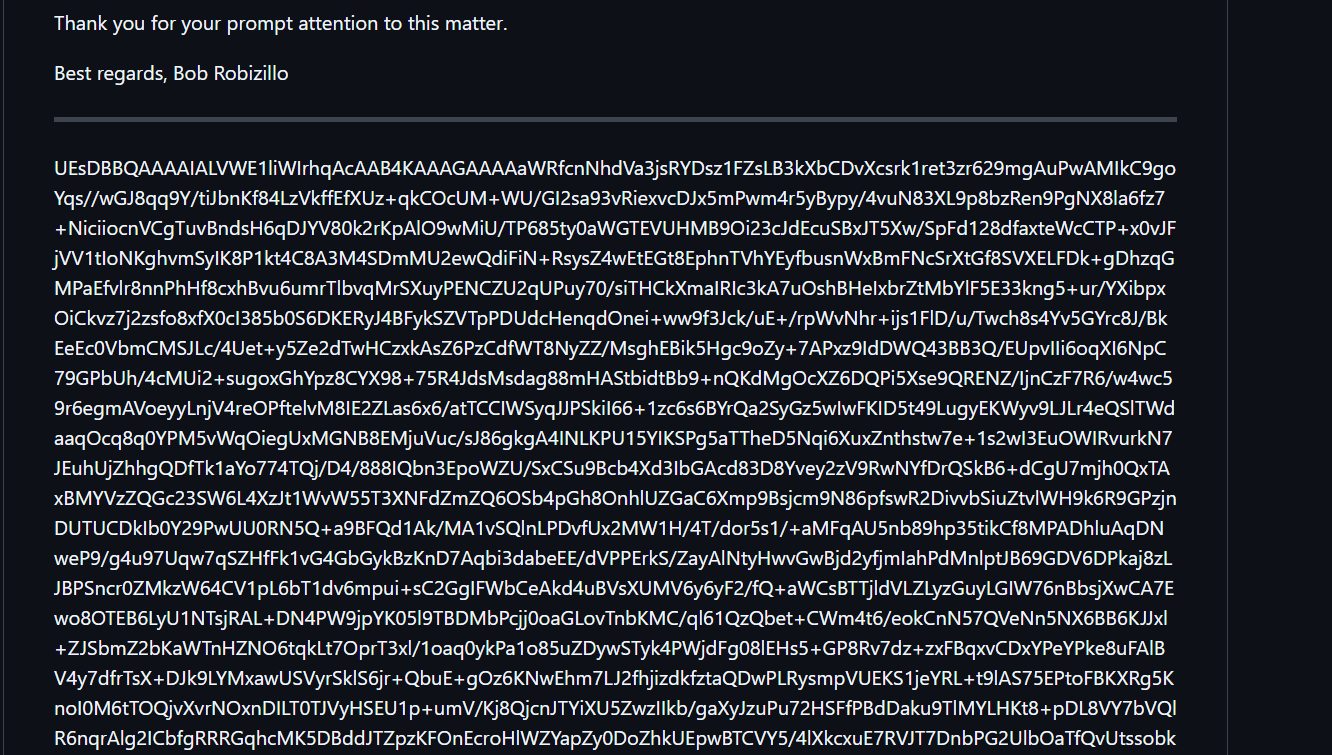
image3 - >
This message included a Base64 string. I decoded the Base64 string using CyberChef and found that it represented a ZIP file (identified by the
header).PK - >
I saved the file as download.zip.
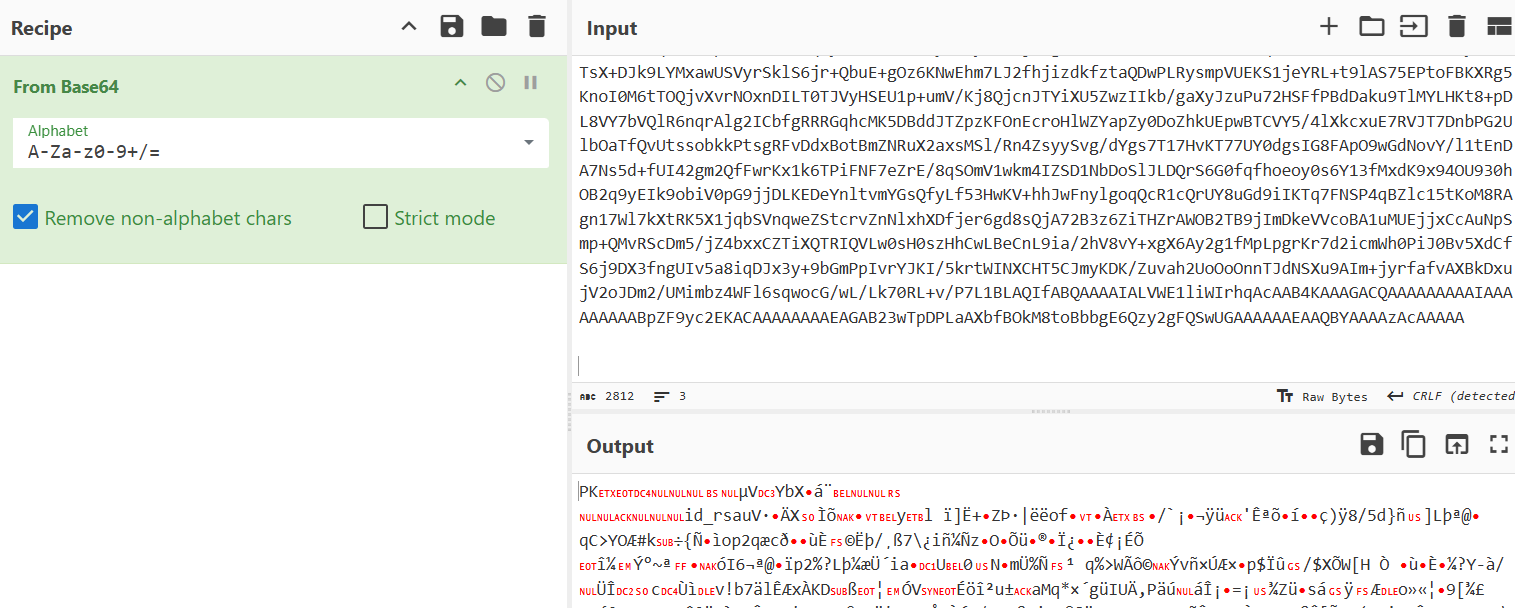
image2 - >The
- >
Unzipping the File:
- >Unzipping the
file revealed a file nameddownload.zip
, which is an SSH private key.id_rsa
- >Unzipping the
- >
Setting Up the SSH Key:
- >
Set the correct permissions for the SSH private key with the command:
bashchmod 600 id_rsa - >
Then, modified the GitHub SSH configuration file (
) to use the provided private key for authentication:~/.ssh/configbashnano ~/.ssh/configAdded the following configuration:
bashHost github.com HostName github.com User git IdentityFile ~/Desktop/inti/id_rsa IdentitiesOnly yes
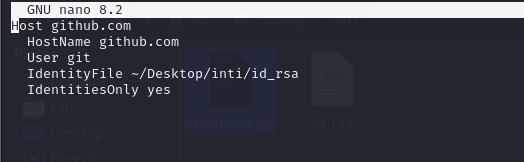
image5 - >
- >
Authenticating with GitHub:
- >
After setting up the SSH configuration, ran the following command to test the authentication:
bashssh -T git@github.comThe response was:
Hi nitrofany! You've successfully authenticated, but GitHub does not provide shell access. - >
This confirmed that the username associated with the SSH key was nitrofany.
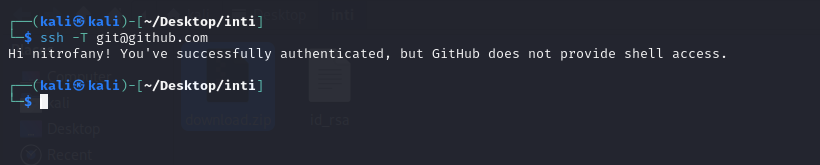
image4 - >
- >
Cloning Tiffany's Repository:
- >From the email, we knew the repository name was 1337up.
- >I cloned the repository to my local machine:
bash
git clone git@github.com:nitrofany/1337up.git
cd 1337up
- >
Searching for the Flag:
- >Ran
to see all the commit hashes and examined each commit.git show --all - >One commit showed the creation of the
file, but it was empty.flag.txt - >After some time, I found a commit hash
that led to an interesting URL:5c18888418fd3f2a9d76cfd278b69c1f7c41ba4furl = https://github.com/nitrofany/01189998819991197253
- >Ran
- >
Cloning the Second Repository:
- >I cloned the second repository at
and navigated to the01189998819991197253
file.flag.md
- >I cloned the second repository at
- >
Flag:
- >The flag inside
was:flag.mdINTIGRITI{9e0121bb8bce15ead3d7f529a81b77b4}
- >The flag inside
###Flag
INTIGRITI{9e0121bb8bce15ead3d7f529a81b77b4}